Immersive 3D Applications
|
The VisBox, VisDuo, and VisCube are immersive 3D displays that can be used in
a variety of application areas. These include:
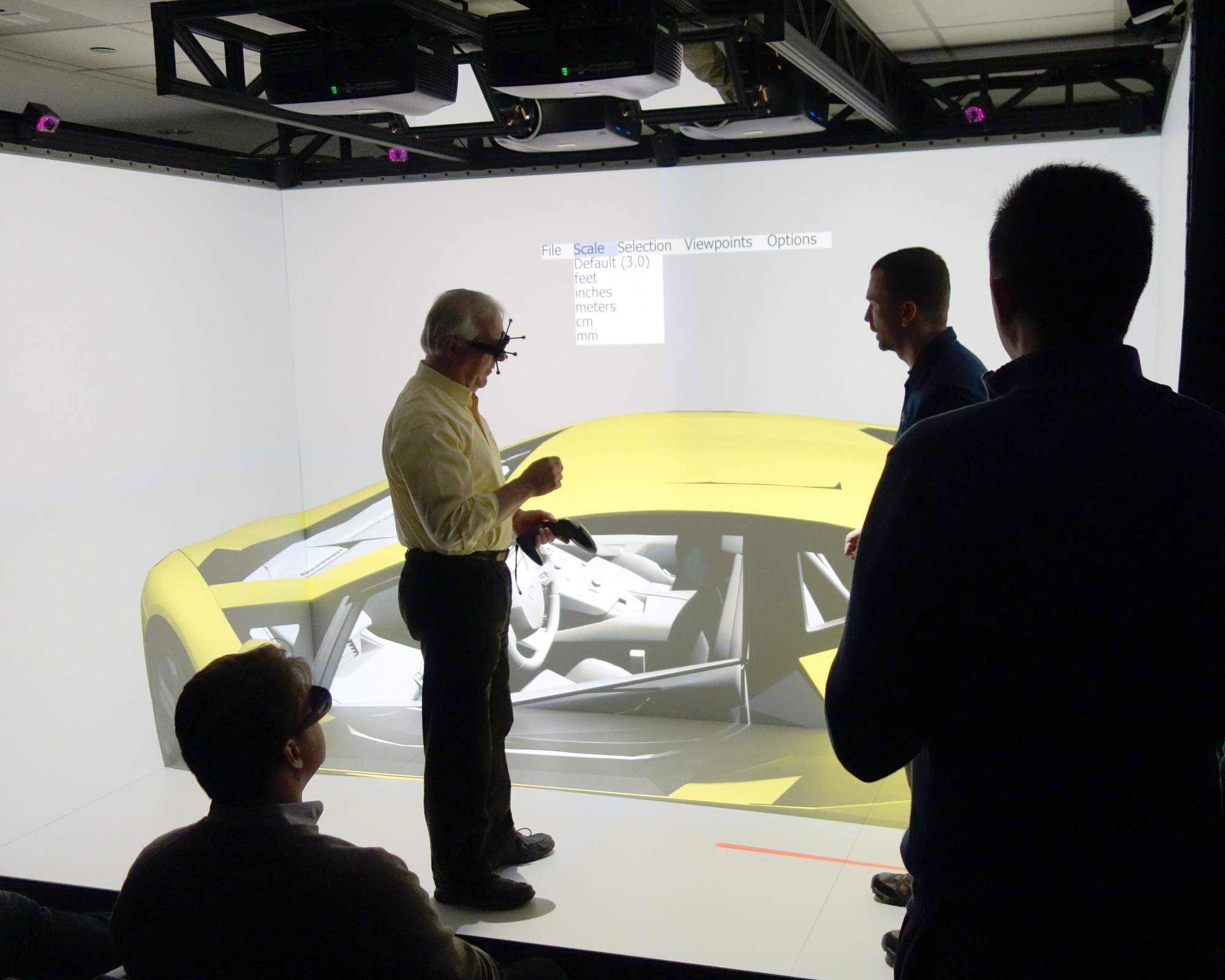
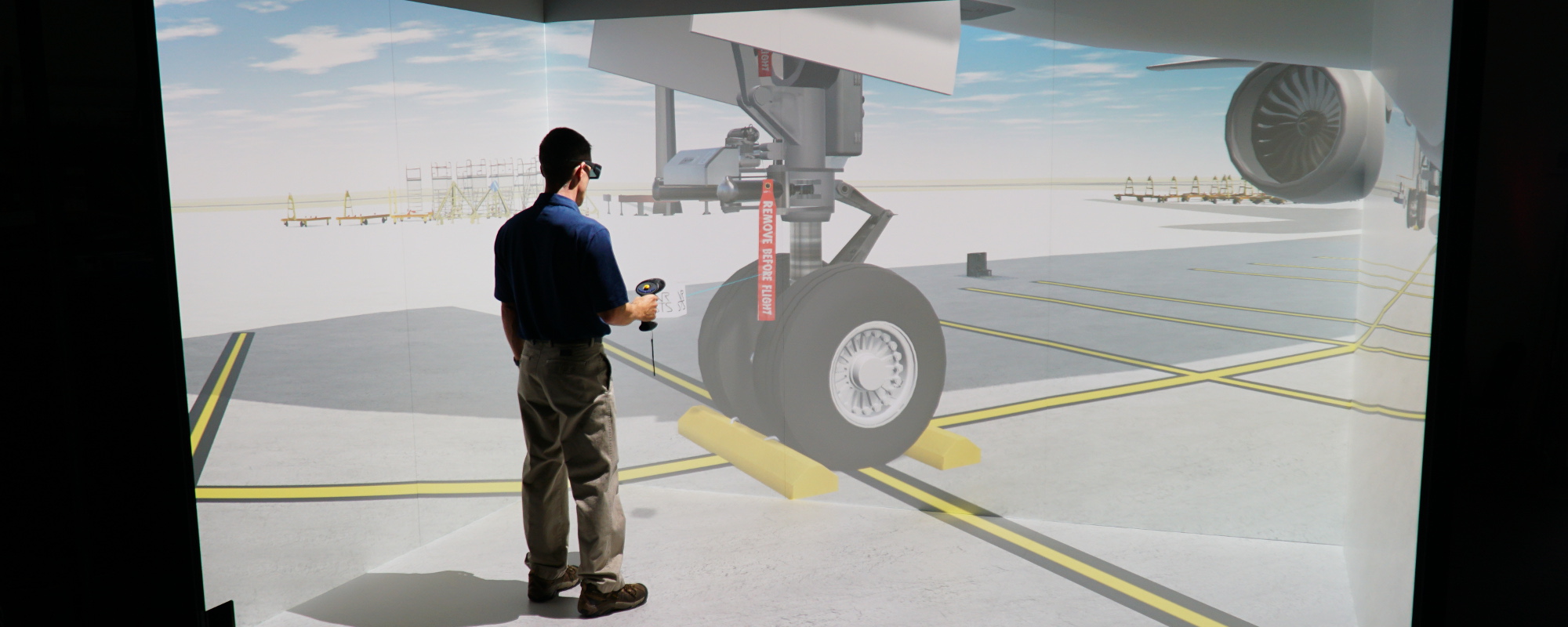
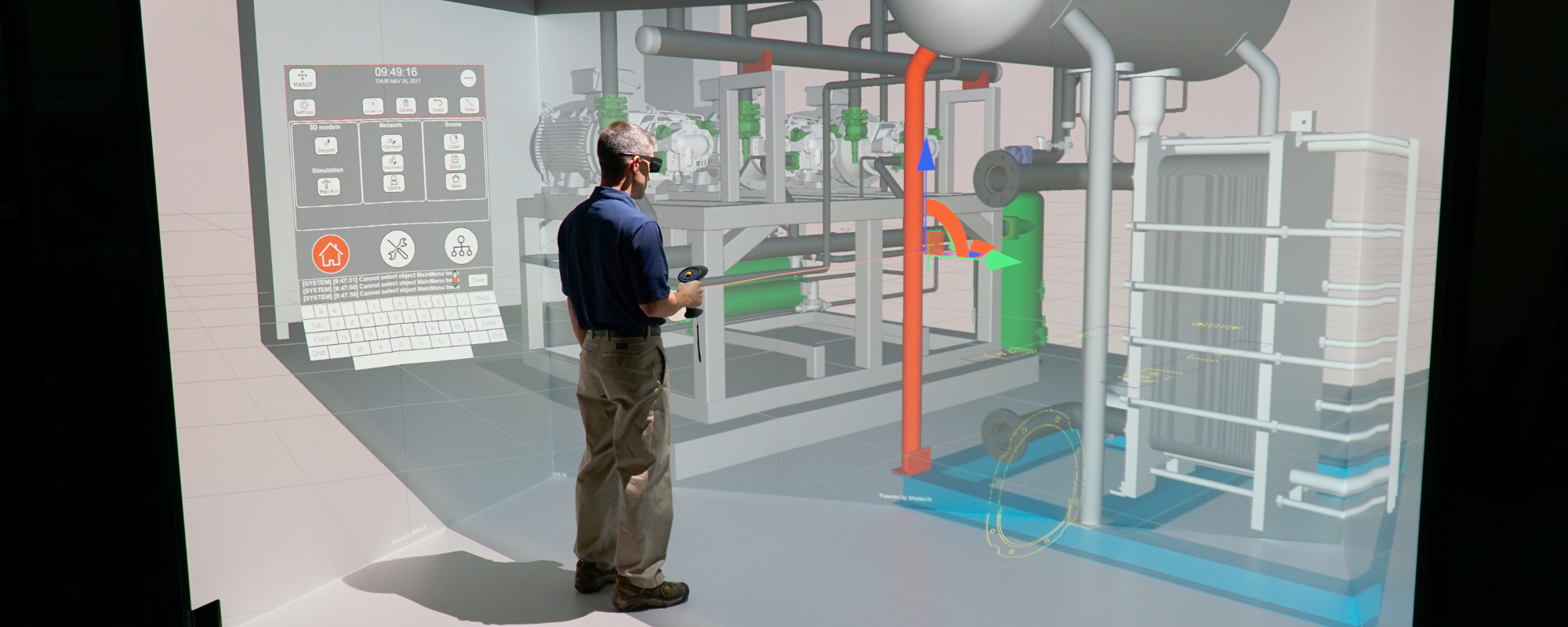
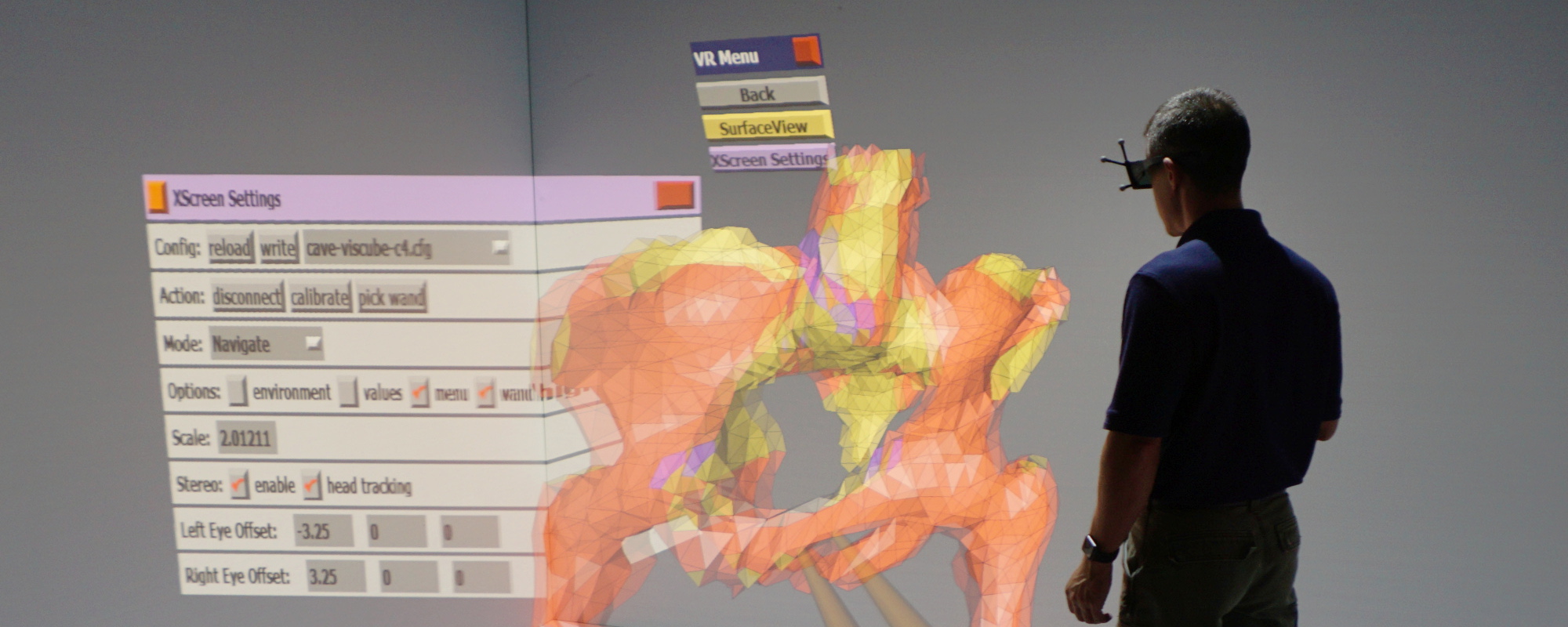
Architecture The VisBox, VisDuo, and VisCube systems allow users to examine 3D models with the added benefits of stereo graphics. The optional VR package adds head-tracking for true first-person perspective and wand-tracking for direct-manipulation. The systems can also be used as large monoscopic displays for 2D desktop applications. With this flexibility, the system is able to enhance the visualization of many different types of data. The table below highlights the differences between the 3 basic modes of operation. |
MODE |
BENEFIT |
ADVANTAGE |
|---|---|---|
| Large rear-projected display | Run regular 2D desktop applications such as a web browser, spread sheet, or power point presentation | Large and bright rear-projected graphics. Enclosure diminishes problems with ambient light. Rear-projection means that users cannot interfere with projected light (cannot cast a shadow on the screen). |
| Large rear-projected 3D passive stereo display | Run 3D OpenGL applications in stereo. Even applications that are not "stereo aware" can be forced to display in stereo. This is accomplished transparently by software at the graphics driver level. | 3D stereo graphics take advantage of the fact that humans have two eyes. Using stereo graphics improves depth perception and greatly enhances the ability to visualize many types of data. |
| Projection-based VR system with 3D stereo display and head + wand tracking | Run full VR applications. The VisBox is pre-configured for common VR libraries such as CAVElib, vrJuggler, and FreeVR. The VisBox also comes with pre-installed open-source VR demo applications. | This mode offers the greatest immersion and feeling of presence. Head-tracking makes virtual objects appear at human scale and allows the user to manipulate his or her perspective with natural head movements. This ability to look in, out, and around virtual objects creates the illusion that the user is indeed sharing physical space with the virtual objects. The 6 DOF wand (controller) tracking allows the user to directly manipulate objects within the virtual scene. |
Example Applications
Here are just a few examples of applications that can be run on the VisBox, VisDuo, and VisCube:
|
Architecture at ValparaisoThe Scientific Visualization Lab at Valparaiso is using their VisBox-X2TM for life-sized walkthroughs of a proposed addition to the Gellersen Hall School of Mathematics and Engineering. They are collaborating closely with the architecture firm (Design Organization), integrating the VisBox-X2 into the design/review process. Photo: Prof. Jeff Will from Valparaiso and Jeff Jacobs from Design Organization. |
|
BOXnavBOXnav is an architectural walkthrough application that allows the user to navigate through 3D CAD models with life-size, head-tracked, stereo graphics. Currently, the application supports the 20+ file formats that are loadable with the OpenGL Performer scenegraph API. BOXnav is an unsupported open-source demo application that comes with the VisBox system. However, Visbox Inc is available for custom software development for customers with special needs. See the Services section. |
|
BOXflyBOXfly is an application that allows the user to load and examine 3D models with life-size, head-tracked, stereo graphics. Currently, the application supports the 20+ file formats that are loadable with the OpenGL Performer scenegraph API. BOXfly is an unsupported open-source demo application that comes with the VisBox system. However, Visbox Inc is available for custom software development for customers with special needs. See the Services section. |
|
ShadowLight MirageThe focus of ShadowLight Mirage is the use of virtual reality for the earlier stages in the design process. Specifically, the display and interaction capabilities of the VisBox system can be leveraged in interesting ways for the early sketch/prototyping process. A VisBoxTM running ShadowLight Mirage was on display at the ISpace gallery in Chicago from January 2-19, 2003. The exhibit was titled "MAKE NO LITTLE PLANS - Designing the Chicago Lakefront in an Immersive Virtual Reality Environment." |
|
CrayolandThe well known Crayoland CAVE application by Dave Pape runs on the VisBox. |
|
Virtual ReactorThe NPRE department at the University of Illinois at Urbana-Champaign is using the VisBox-X2TM system to develop virtual models of nuclear power plants. These models will have a variety of applications, including: visualizing fundamentals, training, planning for both new reactors and for maintenance of existing reactors, and radiation visualization for dosage reduction. The picture on the left shows a walkthrough of a control room model. More Information |
|
VR SavvyA VisBoxTM was on display at Urbana Middle School from May 13 to May 24, 2003. Students participating in the VR Savvy project showed the vr worlds they had created with Shadowlight-Mirage to their classmates.
The News-Gazette (local paper) ran a front page article about the VisBoxTM
at the school: |
|
Valpo VectorValparaiso University is integrating the VisBox-X2TM into their undergraduate curriculum. Undergraduate Adam Slater developed this application that is used to teach students about electromagnetic fields. The user can put electrostatic point charges in three space, then recompute and display the resulting electromagnetic field.
Valparaiso Scientific Visualization Lab (SVL) website |
|
CAVE QUAKE IICAVE QUAKE II is an adaptation of the popular PC game Quake2 for the CAVE and other projection-based VR systems. The game runs on the VisBox with stereo graphics, head-tracked perspective, and a tracked input device. This allows players to peek around corners by moving their head and directly manipulate (aim) their weapon! |
|
CQ3ACQ3A is a Quake3 renderer that runs on projection-based VR systems including the VisBox. It features state-of-the-art real-time rendering as seen in the popular game Quake3 Arena. The demo allows walking and flying through Quake3 levels with life-size stereo graphics and head-tracking. However, there is no gameplay. |
|
VTKVTK is a widely used open-source visualization library. Shown here is a simple isosurfacing application that was written with VTK and vtkActorToPF that runs on the VisBox. It allows the user to view isosurfaces for volume datasets in stereo with head-tracking, making it easier to comprehend complicated structures. The regular VTK renderer can also be used with the VisBox via a modified version of the vtkOpenGLCamera class. |
|
VMD, PyMol, RibbonsPopular molecular visualization programs can be run on the VisBox in stereo. Shown here is VMD running on a VisBox-X1. |
|
ParaViewParaView is an open-source scientific visualization application based on VTK. It was designed for visualizing large data sets. The application is being actively developed by Kitware in conjunction with the Advanced Computing Laboratory at Los Alamos National Laboratory. |
|
CEI EnsightCEI Ensight is a widely used commercial scientific visualization tool. Ensight Gold can be used with the VisBox, taking advantage of the system's stereo display and head+wand tracking capabilities. Other commercial visualization packages can also be configured for use with the VisBox. |
|
GoggleMembers of the ETLab at the University of Alabama, Birmingham are developing a VTK-based visualization tool called Goggle. Goggle runs on their VisBoxTM and also on their high-resolution VisWall-9XTM display. |
Many other applications can also be run on the VisBox, VisDuo, and VisCube. Have questions? Contact us.